
Guests scan a QR
Pick a photo, add a message, IG / LINE / TikTok / Facebook and a table number. No sign-in needed to send.
Warps on screen
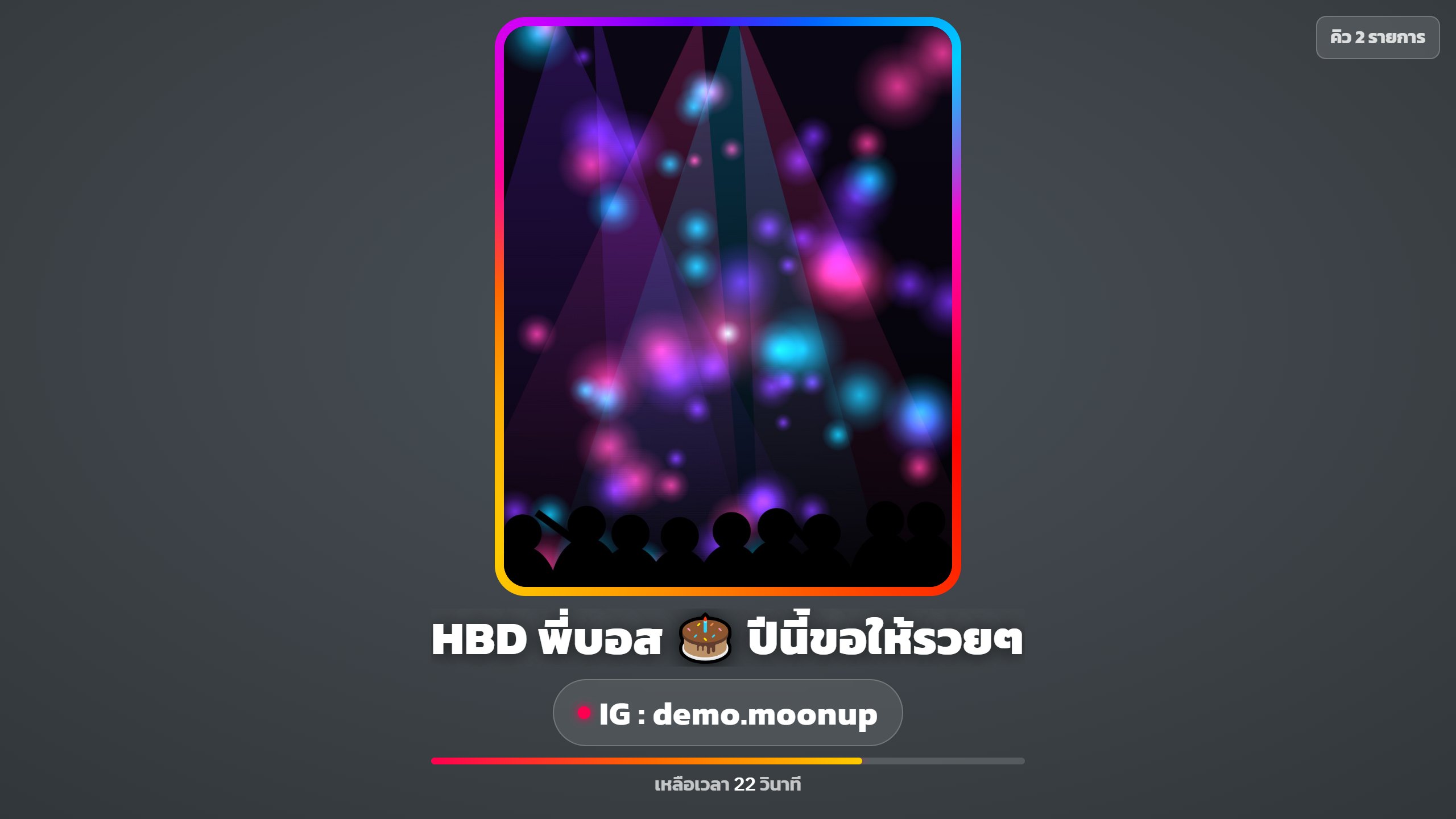
With warps (photo shout-outs on the venue screen), guests scan a QR to put their photo, message and socials on the big screen for the whole room to see. It lifts the energy, and the venue gets 60% of warp sales, paid out every week.
Pick a photo, add a message, IG / LINE / TikTok / Facebook and a table number. No sign-in needed to send.
Choose how long to stay on screen and pay by QR. The system checks the slip automatically.
Staff approve each photo before it goes up. Warps queue and play for the length of their package.
Warps on screen, designed for bars, pubs & nightclubs.
A 60% screen rental share of every warp shown on your screen. MoonUp collects payment and transfers it to the venue every week, with a statement.
Owners, managers and cashiers can approve or reject photos, hide warps and delete comments.
A glowing rotating frame, large captions, a countdown bar and the next in queue. Works on a TV or with screen control software.
Rank top supporters, most warps sent and most engaged guests, so guests compete with each other.
Warps that have been shown appear in your venue's feed on moonup.co, where guests can like and comment.
If the venue rejects a photo, the guest can send a new one or request a refund. Duplicate photos are blocked too.
See all plans on the pricing page · 14-day free trial, no card, no contract
No. Just open the warp screen on a TV you already have. There's no monthly fee.
Guests pay into MoonUp's account, and MoonUp transfers a 60% share to the venue every week as screen rental. The venue must accept the screen rental agreement before taking warps.
Every photo must be approved by the venue before it goes on screen. If 3 people report a photo, it's put on hold for the MoonUp team to review.
No. They can send right away from the QR. Signing in with LINE lets them tag friends and keep their warps on their profile.
Every system shares one set of venue data. Turn more on anytime.
Open a sample venue with no sign-up, or talk to our team to schedule setup.